Why You Must Keep Your Telegram Bot Tokens Safe
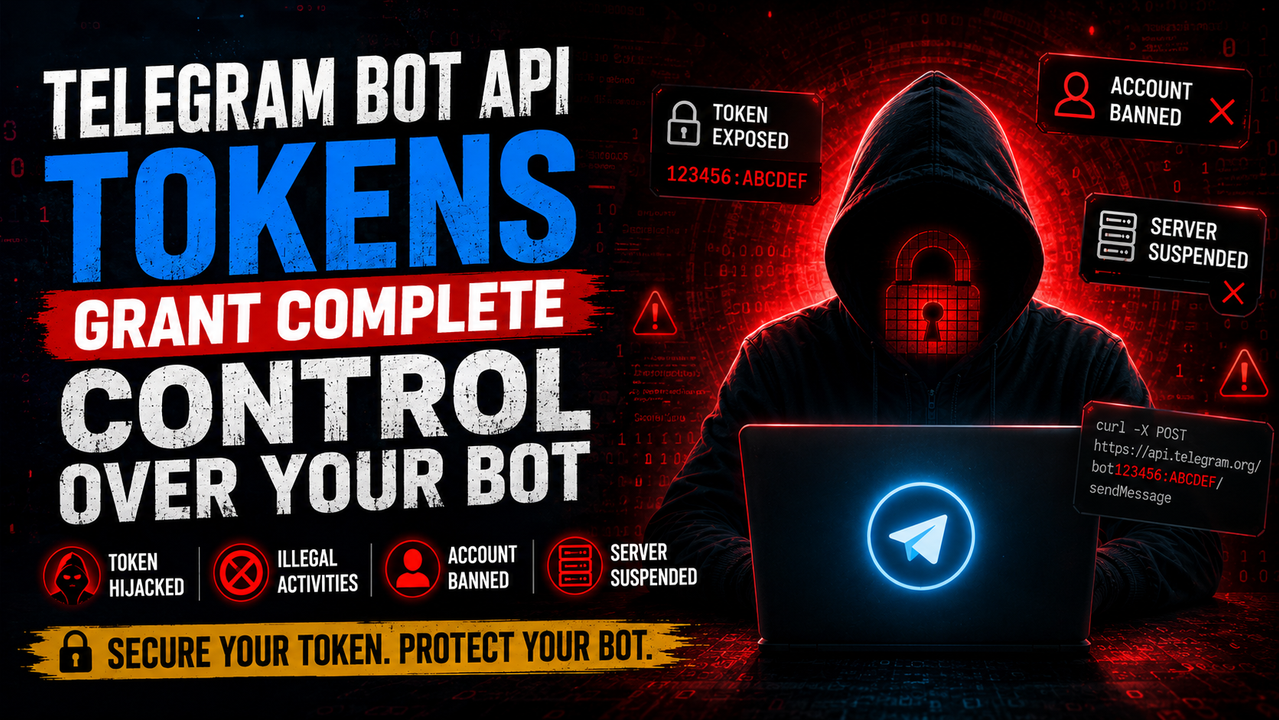
Building a Telegram bot is a great project, but it comes with a major security responsibility. Every bot is controlled by a single string of characters: the API token.
If someone gets hold of that token, they have full control over your bot. Let's look at the risks of leaking a token, how it happens, and how to keep your bot secure.
#What is a Telegram bot token?
When you create a new bot with BotFather, you receive a string that looks like this: 123456789:ABCdefGhIJKlmNoPQRsTUVwxyZ. This string is divided into two parts.
The numbers before the colon represent your bot's unique numerical ID. The characters after the colon are the secure cryptographic key. Together, they act as both the username and password for your bot.
There is no two-factor authentication or extra layer of approval for API calls. If the token is public, anyone can send requests to Telegram pretending to be your bot.
#What happens when a token leaks?
If someone steals your token, they can use the Telegram API to interact with users and channels. Here are the main things they can do:
- Send spam and scams: Attackers can message your bot's users with spam, phishing links, or fraudulent cryptocurrency schemes.
- Access private messages: They can read the messages, commands, and photos your users send to the bot.
- Hijack the webhook: By calling the
setWebhookmethod with your token, they can point the bot to their own server, cutting your code out of the loop entirely. - Hit rate limits: They can flood Telegram with requests, which freezes your bot for real users.
#The real-world consequences of token misuse
A leaked token is more than a minor coding slip. It can lead to serious personal and professional issues.
#Permanent Telegram bans
When hackers steal a bot token, they often use it for spam or content distribution that violates Telegram's terms of service. Since your personal Telegram account created the bot using BotFather, Telegram links all of that activity to you. This usually ends with the bot being deleted and your personal Telegram account getting permanently banned. You could lose access to your chats, channels, and groups.
#Server suspensions
If your bot is hooked up to a server on Vercel, AWS, or DigitalOcean, attackers can flood your server with traffic. When your hosting provider notices the spike or receives abuse complaints from other networks, they will suspend your entire hosting account to protect their infrastructure.
#Legal issues
Your name, phone number, and billing info are linked to your hosting and Telegram developer accounts. If a bot is caught doing something illegal, investigators will look at the account owner first. Proving that your bot was hijacked after a token leak is difficult and stressful.
#How tokens get leaked
Tokens usually leak through simple mistakes rather than sophisticated hacks:
- Automated GitHub scanners: Scraper bots constantly watch public GitHub repositories and Gists. They use regular expressions to look for patterns matching Telegram tokens. They can detect and steal a token in seconds.
- Hardcoding keys: Saving the token string directly in files like
bot.pyorindex.js. - Missing gitignores: Forgetting to ignore the
.envfile when pushing code to GitHub. - Frontend exposure: Putting the token in client-side code where anyone can read it via browser developer tools.
- Screenshots and streams: Accidental exposure during screen shares, video tutorials, or code walkthroughs.
#How to protect your tokens
Keeping your keys safe is straightforward if you follow a few basic habits.
#1. Use environment variables
Store your token in a local file that never gets uploaded to Git.
Create a file named .env.local in your project folder:
TELEGRAM_BOT_TOKEN="123456789:ABCdefGhIJKlmNoPQRsTUVwxyZ"
Read it in your backend code:
const botToken = process.env.TELEGRAM_BOT_TOKEN;
if (!botToken) {
  throw new Error("Missing TELEGRAM_BOT_TOKEN environment variable");
}
#2. Configure your .gitignore file
Make sure Git is told to ignore your local environment files before your first commit:
.env*.local
.env
#3. Use secret scanners
You can use tools like gitleaks to check your files for credentials before you commit. These tools run locally and scan your changes for keys. GitHub also has built-in secret scanning options to alert you if a key slips through to a remote repository.
#4. Keep bot code on the backend
Never put your Telegram bot token in frontend code. Keep all API calls on a secure server.
#5. What to do if a token leaks
If you realize a token is public, act immediately:
- Message BotFather on Telegram.
- Type
/mybotsand select your bot from the menu. - Click on API Token.
- Click Revoke to disable the old token and generate a new one.
- Replace the old token in your server environment variables and restart your service.